Try men’s haircuts on your photo
Fades, crops, longer cuts, beards and hair colors, shown on your own photo as an AI preview. See it before the barber.
Fades
Low, mid and high fades, a taper, an undercut and a buzz cut.

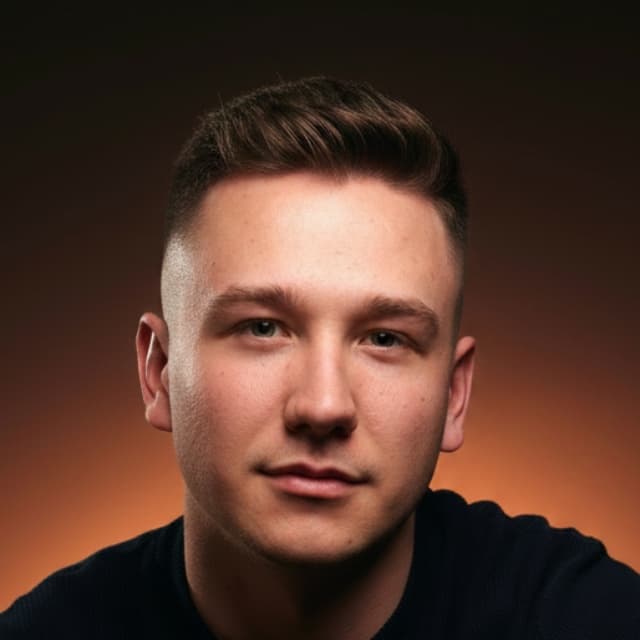




Try a fade on your photo · 13 in allTypes of fades
Short and classic cuts
Crops, quiffs, side parts, a pompadour or a slick back.






Try a short cut on your photo · 15 in all
Longer cuts
For growing it out: flow, a men's shag, a fringe or a two-block.






Try a longer cut on your photo · 11 in all
Beards and mustaches
From stubble to a full beard, and mustaches.






Try a beard on your photo · 19 in all
Hair colors for men
Blonde, black, a grey blend and more.

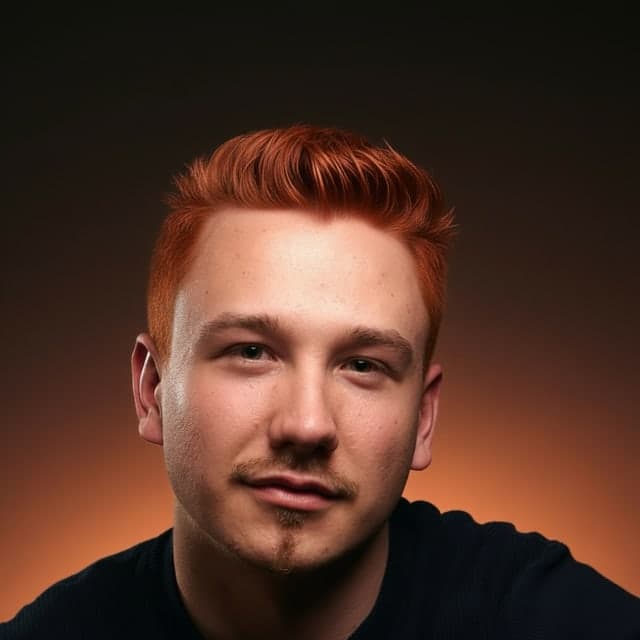




Try a hair color on your photo · 32 in all
Example photos are AI-generated. Open one to see it larger, or try it on your own photo.
How the haircut simulator works
- Choose Men, then what you’re deciding: a fade, a short classic cut, growing it out, a beard or a new color.
- Pick a style from the samples.
- Add one clear photo of yourself from your phone or computer.
- Wait about 20–30 seconds. The AI preview shows the style on your own photo, next to the original.
An image model (Google’s Gemini, via fal.ai) makes the change. A second AI checks each result before you see it. If it fails the check, it is made once more; if it fails again, the preview doesn’t count. It runs in the browser: no app to install, and no account for your first preview.
Which haircut suits me?
The face shape guide measures four lines you place on your photo, in your browser. Answer Men to the first question and it lists men’s cuts that usually suit your shape. The result comes with any pack. You can also read the guide for each shape:
Which photo works best
One photo of you facing the camera, in daylight. Avoid a lamp right above you and photos taken from far away, so your hairline and the shape of your face are clear.
What it costs
Your first preview is free, with no card. After that, packs start at $4.99, paid once, with no subscription. Every pack also opens your face shape guide and your color season report. See prices
What happens to your photo
Your photo is resized on your device, its metadata (such as location) is removed, and it is passed to our AI provider to make the preview. It isn’t saved on our servers. The copy at the provider is set to expire after 15 minutes, the result after 24 hours, and you can delete your result yourself before then. Privacy
Before you see your barber
A preview is an approximation, not a promise. The model can shift the framing a little, and it can’t know your hair’s texture, density or how a fade grows out. Use it to narrow down a choice: each result can be saved, or turned into a card with the style’s name and notes to show your barber. How it works